
No Matches on Tinder or Hinge? Fix Your Photos First
You've filled out your bio. You've answered every prompt. And the matches still aren't coming.
Stop rewriting your bio. The data is clear: 76% of all swipe decisions are driven entirely by photos (Hinge internal data). If your photos aren't working, nothing else matters.
This article is part of Dating App Photos: The Complete Guide.
The Real Reason You're Not Getting Matches
The improvement data from photo upgrades is large enough to pause on. The ceiling on what photo improvement can do is substantial — and it's upstream of your bio, your prompts, and everything else.
"Why Am I Getting No Matches on Hinge?"
If you're getting no matches on Hinge specifically, the cause is almost always photo-related. Hinge's Like system evaluates each photo independently, direct eye contact lifts engagement by +102%, and profiles with fewer than 6 photos are deprioritized by the algorithm. A weak first photo — or any missing slot — is enough to flatten your entire profile's reach.
5-Point Photo Audit: Is It Your Photos?
Run through this check on your current profile before doing anything else.
Check 1: Is Your First Photo a Clear Solo Shot of Your Face?
Your first photo should show your face — front-facing, well-lit, you as the only person in the frame. If your first photo is a group shot, a distant landscape, or heavily shadowed — that's a straightforward fix.
+27% more likes from a clear front-facing headshot vs. ambiguous first photo — Hinge
−42% match rate when first photo is a group shot — Tinder
Got a great group photo but you're not alone? PhotoAI can extract you into a clean solo shot.
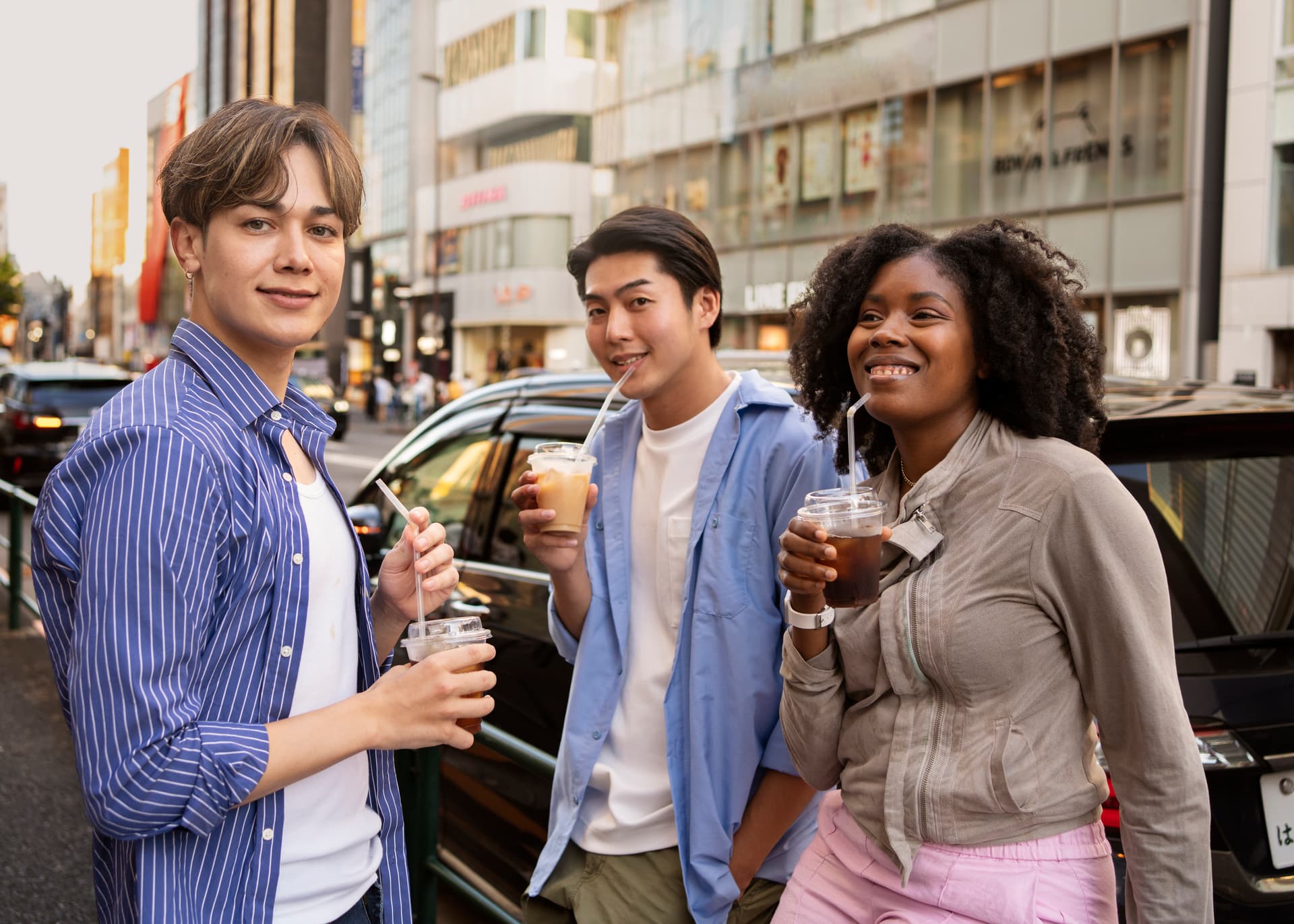 BeforeAuto Mode
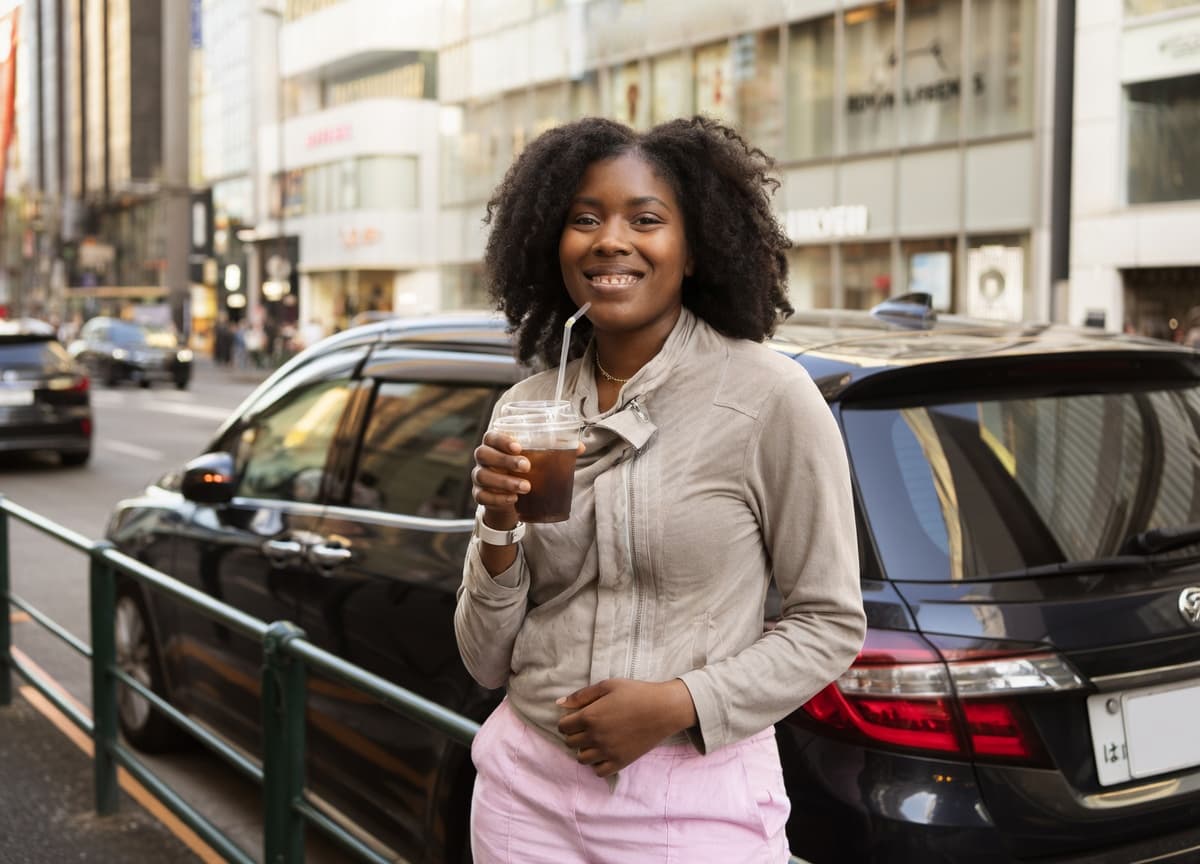 After
AfterPhotoAI doesn't fabricate. It enhances the real you to help you get more matches as yourself.
Check 2: Do You Have at Least One Full-Body Photo?
When a full-body photo is missing, the default response is to skip rather than take a chance on the unknown.
Check 3: Do You Have 4 or More Photos Total?
Fewer photos create information gaps. Multiple angles and environments make a profile feel real and trustworthy.
Check 4: Are You Using Selfies or Bathroom Mirror Photos?
If bathroom selfies are anywhere in your lineup, remove them today. They drag down the entire profile's impression.
−40% likes for selfies — Hinge official data
−90% like rate for bathroom mirror selfies — Hinge
PhotoAI's Auto Mode can turn a selfie into a natural-looking photo that appears taken by someone else. Just select your photo and hit Start Editing — no instructions needed.
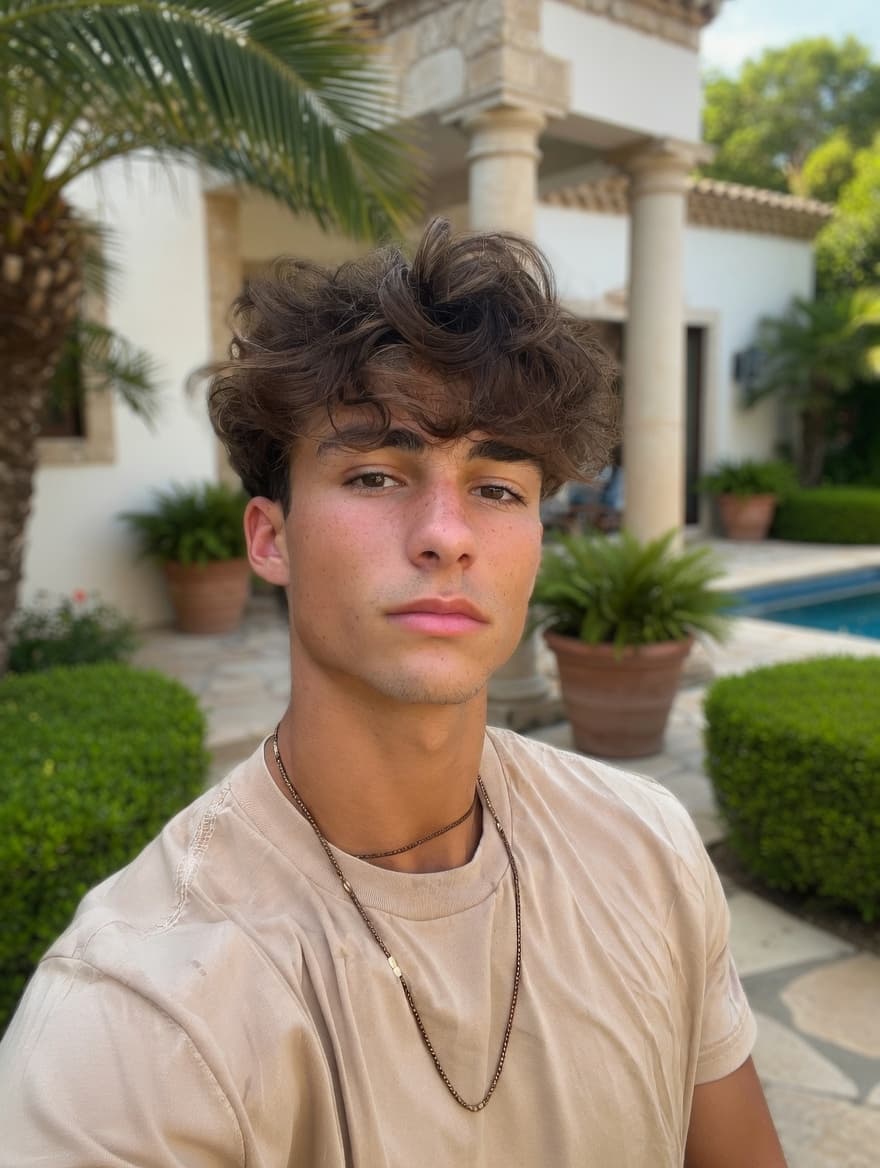 BeforeAuto Mode
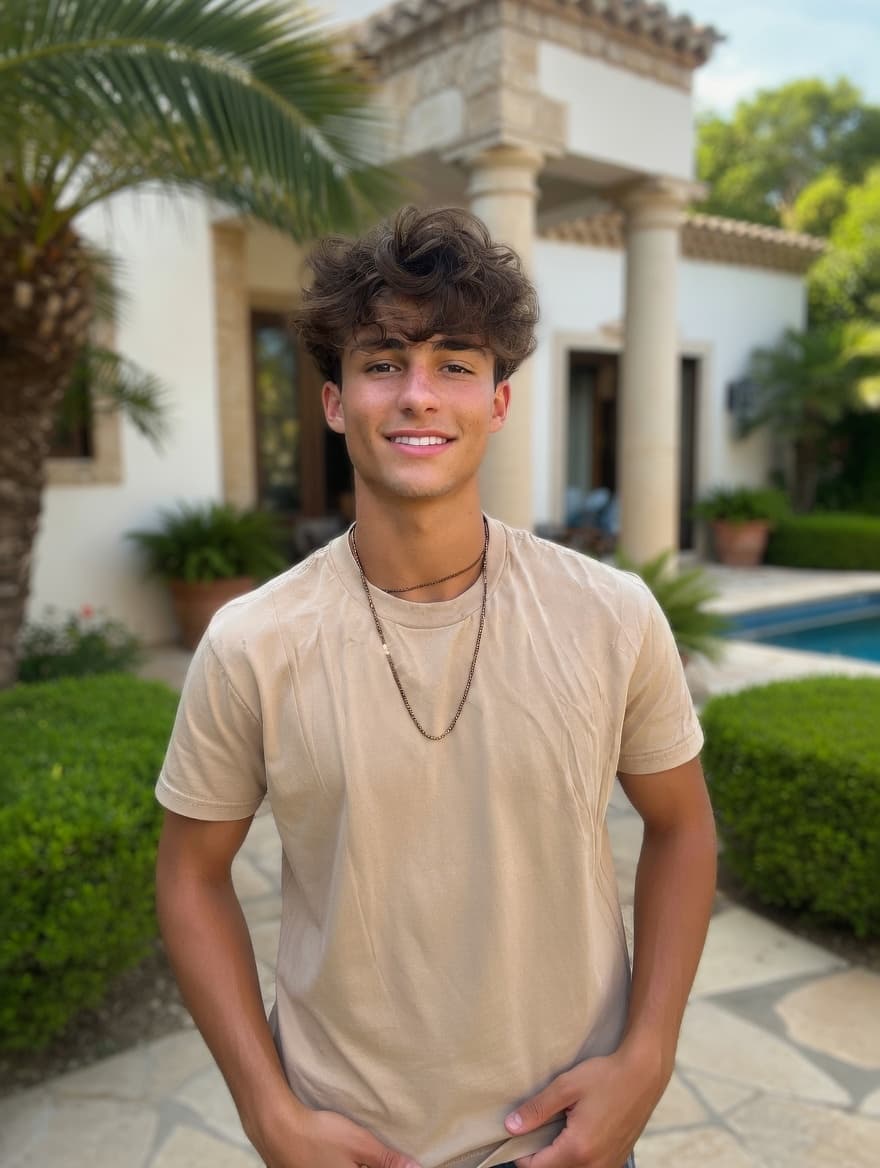 After
AfterPhotoAI doesn't fabricate. It enhances the real you to help you get more matches as yourself.
Check 5: Are Your Photos From the Last 6 Months?
Outdated photos damage more than your match rate — they damage what happens after you get a match. If you've changed your hairstyle, weight, or general appearance in the last 6 months, those old photos need to go.
Score Your Profile
- 0–1 fails: Photos are reasonably solid. Look at bio and activity timing.
- 2–3 fails: Photos are actively limiting your match rate. This is fixable.
- 4–5 fails: Photos are the clear reason you're not getting matches. Prioritize this over everything else.
If you're at 2 or more, keep reading.
3-Step Photo Fix (Do This Today)
You don't need to book a photographer or wait for the right conditions. Here's a process you can complete today.
Step 1: Camera Roll Audit
Open your camera roll and find 3–5 candidate photos.
Look for (if your face is clearly visible, PhotoAI can fix the rest):
- Solo shots — even with bad lighting or cluttered backgrounds
- Group photos where you look good — PhotoAI can extract you into a solo shot
- Photos with an ex or unwanted person — PhotoAI can remove them cleanly
- Selfies where your expression looks good — PhotoAI can make them look naturally taken
- Low-light or dim photos — PhotoAI can correct the lighting
- Bathroom or gym selfies — PhotoAI can clean up the background (but don't replace it with a place you've never actually been — that counts as fabrication and hurts your match rate)
Discard only if:
- Your face is not clearly identifiable (too dark, too blurry, or obscured)
- Screenshots or heavily filtered photos where the original quality is lost
The bar is lower than you think. If your face is visible and your expression is natural, PhotoAI can handle lighting, backgrounds, and unwanted people. You likely have more usable material than you expected.
Step 2: Fix With PhotoAI
Once you have candidates, the most common problems can be fixed directly in PhotoAI.
Remove other people — Group photos can be converted to solo shots. PhotoAI removes people without leaving visible cropping artifacts or background inconsistencies.
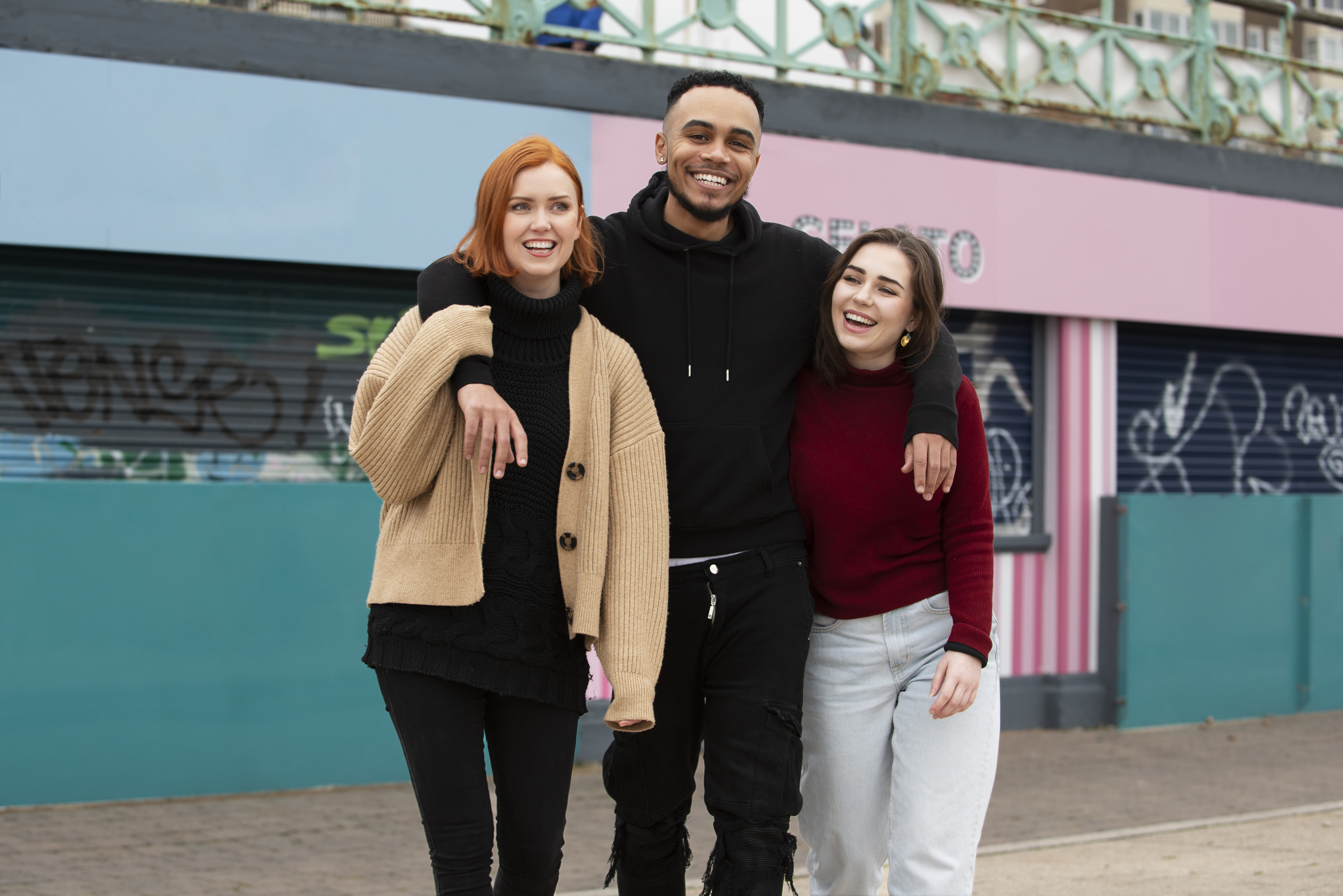
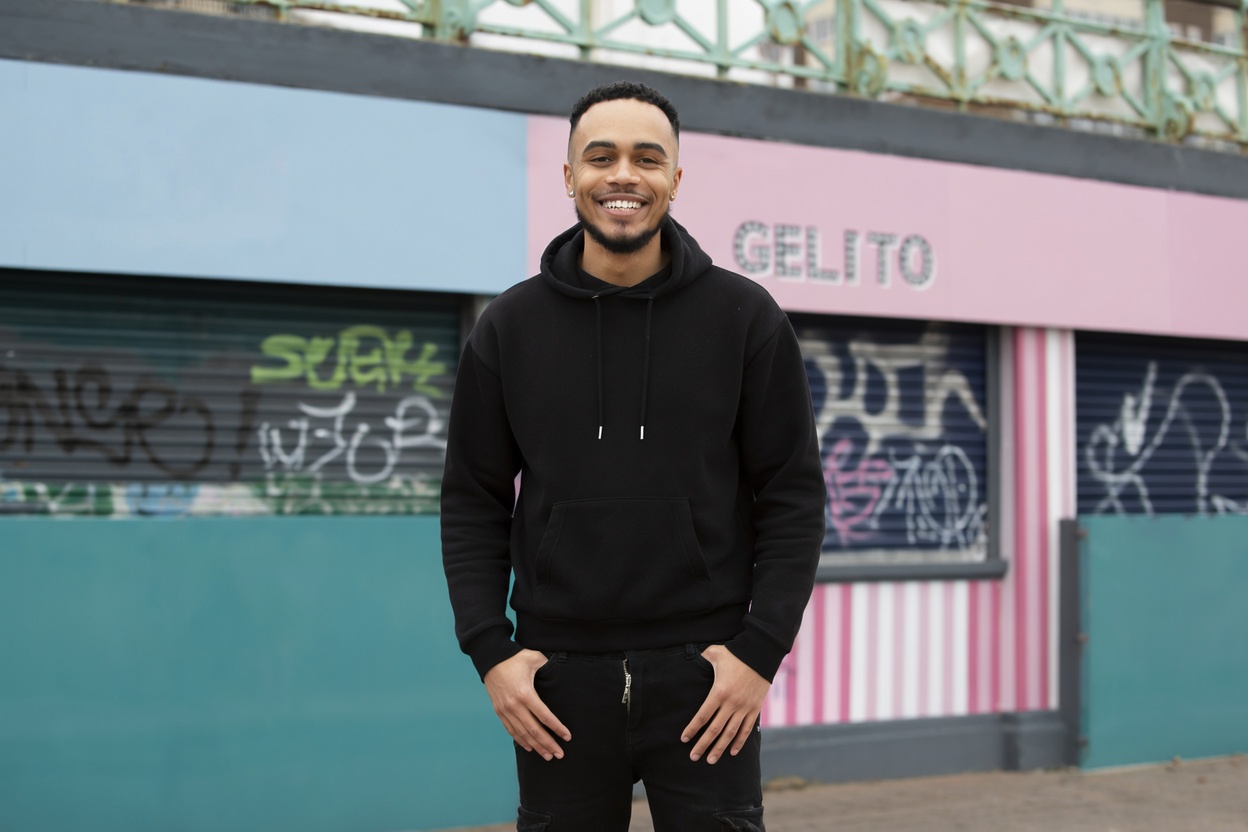
The example above was edited with Auto Mode — just enter your position in the photo and hit Start Editing. The AI handles the rest automatically.
Fix the background — A cluttered or distracting background shifts attention away from you. A clean, neutral background keeps focus where it belongs.
Fix the lighting — Poor indoor or mixed-light conditions can be corrected to look natural.
The key principle: fix conditions, not features. PhotoAI adjusts the environment — lighting, background, unwanted people — without altering your face or how you actually look. The person in the photo is still you, accurately represented.
Step 3: Test for One Week
- Replace your current photos with your updated set
- Enable Smart Photos (Tinder) or Top Photo (Hinge) — these auto-surface your best performer and add +12% more matches on their own (Tinder research)
- Check your match rate after 5–7 days, not after 1–2 (small samples produce noise)
- If results improve, photos were the issue. If not, bio and activity timing are worth examining
Most profiles see visible improvement within the first few days.
Why AI Photo Generators Are Not the Answer
Some services charge $29–$297 to produce AI-generated photos of you in different environments and lighting. On the surface, this sounds appealing.
The data and platform rules work against them.
The platform rules problem:
- Bumble has made photo verification mandatory in the US — AI-generated photos can't pass a live selfie comparison
- Hinge Community Guidelines explicitly prohibit AI-generated photos used to deceive potential matches
The in-person gap: You eventually meet the person you matched with. If your photos show an AI-optimized version of you, the date starts in a hole.
What PhotoAI actually does is different: it improves the conditions in photos where you already look good. Your face stays your face. You pass photo verification. There's no in-person gap. You match with people attracted to how you actually look.
Fix conditions, not features — that's the principle that makes photos work long-term.
Beyond Photos: Quick Wins
Once your photos are solid, these secondary factors are worth a pass.
- Bio and prompts — One or two specific, honest lines outperform three paragraphs of generic description. Lead with something a person might actually respond to.
- Active hours — Dating apps surface profiles based on recency. Evenings on weekdays and afternoons on weekends are peak windows. Going days without opening the app buries your profile.
- App features — Tinder Smart Photos (+12% matches), Hinge Most Compatible, Bumble SuperSwipe. These amplify good photos. They don't compensate for bad ones.
Summary: Fix Photos First, Then Everything Else
If you searched "no matches on tinder" or "no matches on hinge," the answer starts with photos.
- Run the 5-point audit — identify specifically which photo issues are present
- Audit your camera roll — find 3–5 candidate photos to work with
- Use PhotoAI to fix the problems — remove people, fix backgrounds, improve lighting, without altering how you look
- Deploy and test for one week — with Smart Photos or Top Photo enabled
- Once photos are working — review bio, prompt answers, and active hours
For deeper guidance on specific platforms, see:
- Hinge and Bumble photo strategies
- DIY and AI photo improvement methods
- Best Tinder profile photos: 5 types most get wrong
- Dating profile photos: what actually works (the universal 6-photo formula)
Turn your existing photos into dating profile winners
Background swap, lighting correction, and person removal — all with a simple text prompt.
Not AI-generated faces. Your real photos, enhanced.
From $1 / No subscription / Pay per use
Related Articles
Best Tinder Profile Photos: 5 Types Most Get Wrong
Your Tinder profile photos decide everything — no full-body costs you −45% matches. 5 photo types ranked by data, with fixes you can apply today.
Best Dating Profile Photos: 5 Types Ranked by Data
5 dating profile photo types ranked — for men and women: headshot +102%, full-body +203%, activity 3× more comments. Plus the mistakes silently killing your match rate.
Best Hinge & Bumble Photos: What Actually Gets Matches
Hinge photo tips from a 180K-photo study: eye contact +102%, activity +166%. Plus Bumble verification rules — what you can and can't edit.
DIY Dating Photos at Home + AI Editing (No Photographer)
2-step DIY dating photoshoot: go outside, shoot with rear camera, run through AI. Plus why AI generators backfire and what actually works.