
Best Hinge & Bumble Photos: What Actually Gets Matches
This article is part of Dating App Photos: The Complete Guide.
Hinge and Bumble are both "serious dating apps," but their photo mechanics are meaningfully different. These Hinge profile tips and Bumble profile tips break down what works — and what doesn't — on each platform.
Best Hinge Photos That Get More Matches
These Hinge photo tips cover what makes good Hinge pictures — and which ones quietly kill your engagement.
Hinge Labs analyzed 180,000+ photos to measure which types generated the highest engagement. (Hinge Labs)
| Photo Type | Engagement Lift |
|---|---|
| Looking directly at the camera | +102% |
| Having fun with friends | +74% |
| Playing sports or active activities | +45% |
| Travel photos | +30% |
| Smiling | +23% |
| Candid (vs. posed) | +15% |
The +102% for direct eye contact is the largest single finding in the dataset. A photo where you're clearly doing something real outperforms a posed profile photo, even if the posed shot is technically better lit.
Photos to Avoid on Hinge
- Bathroom selfies: -90% engagement — background reads as low effort, lighting is unflattering
- Sunglasses — removes the eyes, the primary signal users read for personality
- Snapchat and heavy social filters — significantly reduced engagement; conflicts with Hinge's authenticity positioning
- More than one group photo — one is useful context, two or more creates "which person is this?" friction
- Gym selfies — combines mirror framing, gym background, and self-taken photo for multiple weak signals at once
No good solo photo? PhotoAI extracts just you from a group shot. Just type where you are in the photo — no other instructions needed.
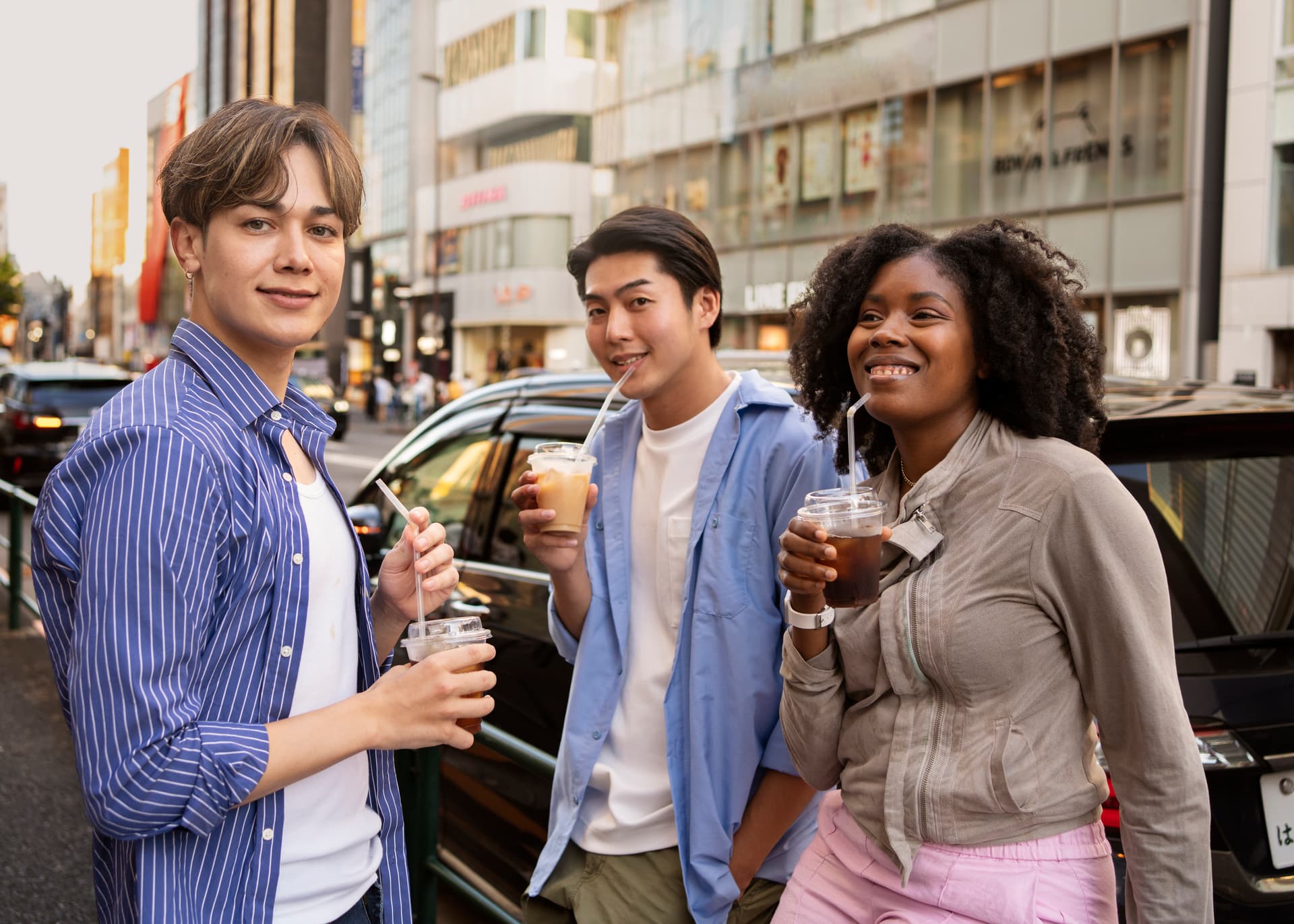
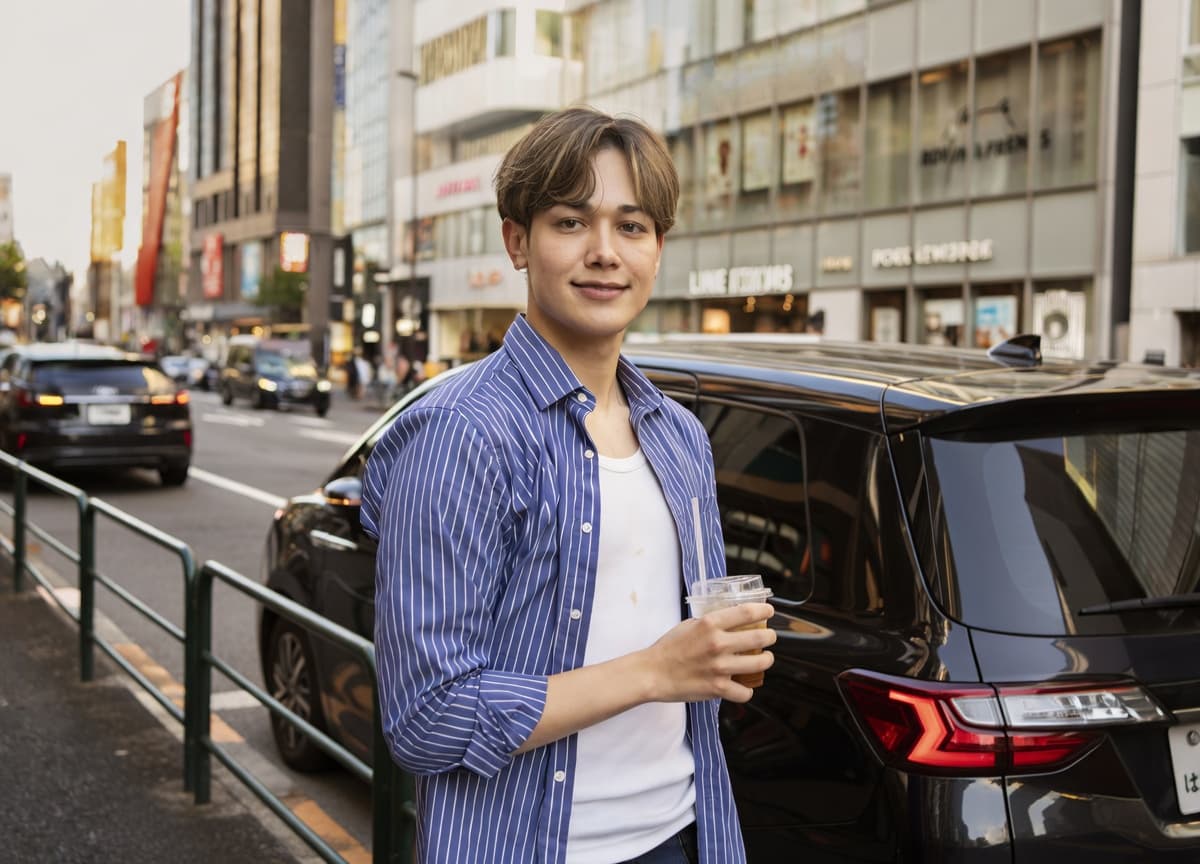 After
AfterPhotoAI doesn't fabricate. It enhances the real you to help you get more matches as yourself.
Best Bumble Photos That Get More Matches
Your Bumble profile photos need to clear two checks at once: the swipe itself, and photo verification on the other side of it.
Based on Bumble's official guidance and Best Photo data: (Bumble official blog, Bumble Support)
- First photo: Solo, face clearly visible, no sunglasses — non-negotiable per Bumble's guidelines
- Hobby or activity photos (1–2 slots): Give whoever is about to message you something concrete to start with
- Social photos with friends (1–2 slots, not first): Signal that you have relationships and are comfortable in groups
- Pet photos — with you in the frame: Bumble specifically notes the pet should appear alongside you, not as a standalone
- Photos from the last 6 months: Old photos create downstream problems after a match
Photos to Avoid on Bumble
- Mirror selfies — explicitly prohibited
- Cropped-out ex-partners — listed in Bumble's Community Guidelines
- Group photos where it's unclear who you are — creates immediate friction
Only have selfies? PhotoAI turns selfies into natural-looking photos. Just upload and hit the edit button — no instructions needed.
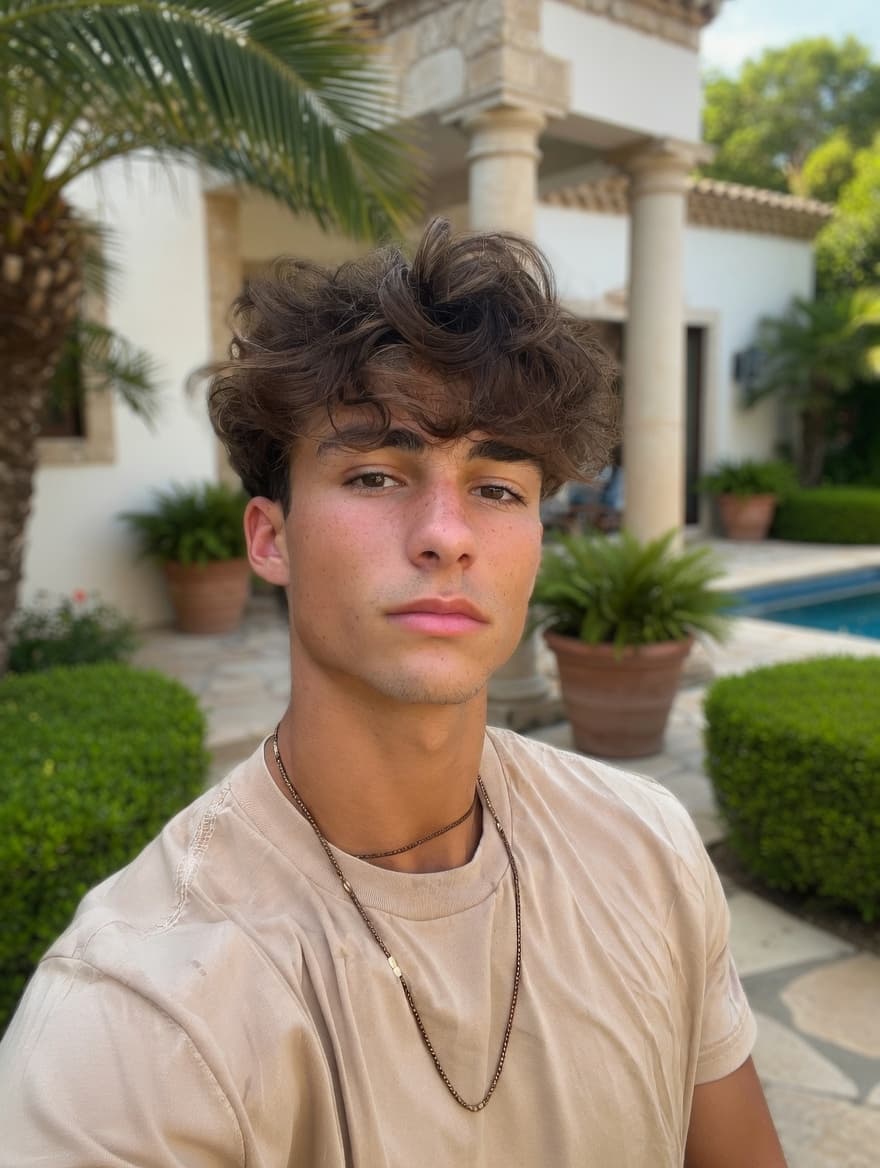 BeforeAuto Mode
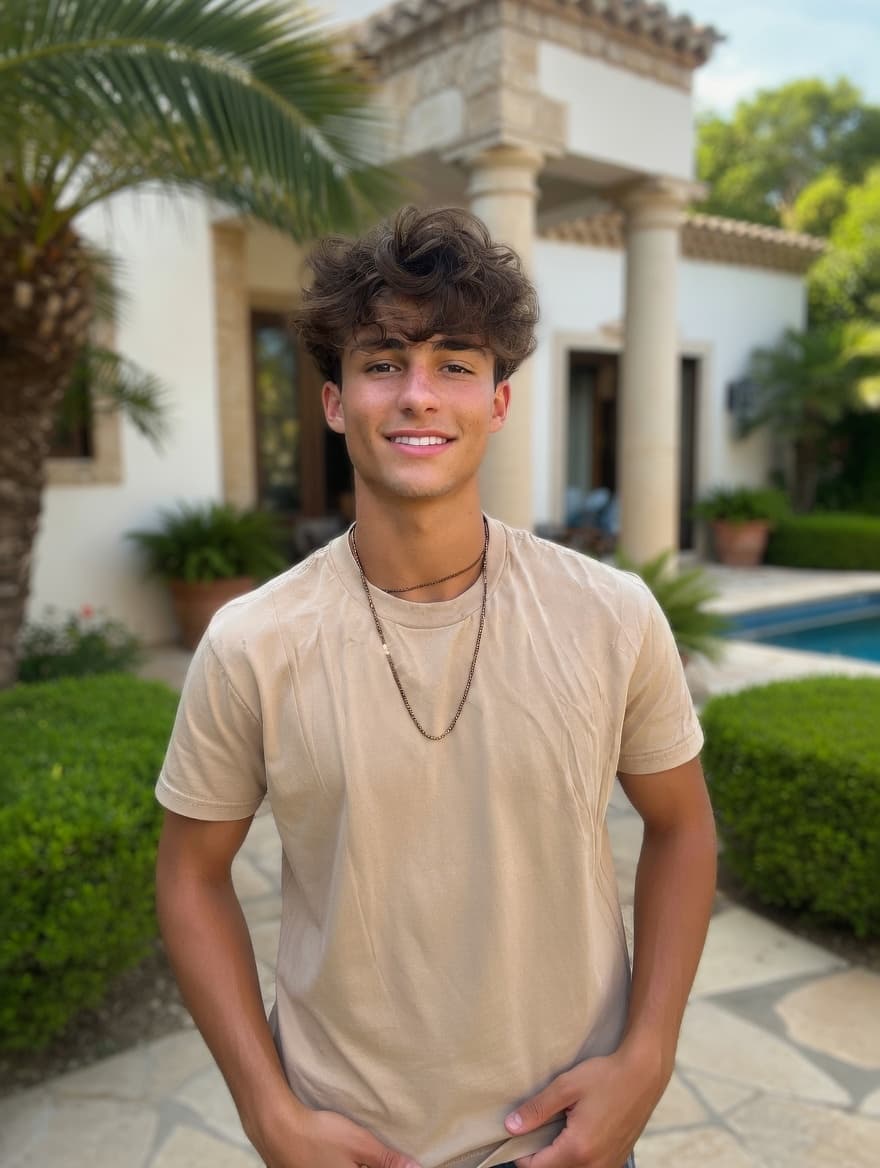 After
AfterPhotoAI doesn't fabricate. It enhances the real you to help you get more matches as yourself.
The best pictures for Hinge emphasize direct eye contact and activity context; strong Bumble profile photos prioritize clarity and authenticity-friendly framing that holds up under verification.
Hinge vs. Bumble: Quick Reference
| Hinge | Bumble | |
|---|---|---|
| Photo slots | 4–6 (4 minimum) | Up to 6 (4–6 recommended) |
| Like system | Per-photo Like + comment | Full-profile right swipe |
| Prompts | 3 prompts, alternating with photos | Below photo stack |
| Photo A/B testing | Top Photo (all 6) | Best Photo (first 3) |
| Photo verification | None | US: mandatory |
| ID verification | None | Rolled out March 2025 |
| Strongest data signal | Direct eye contact +102% | Activity photos, approachability |
Related Guides
- If you're not getting matches and unsure why: No Matches on Dating Apps? Your Photos Are the #1 Thing to Fix
- For a complete photo-by-photo profile build: Dating Profile Photos: How to Build a Stack That Works
- For DIY photo fixes using AI tools: DIY Dating Profile Photos with AI: From Camera Roll to Match-Ready
- App-specific breakdown for Tinder: Best Photos for Tinder: A Data-Backed Guide
Turn your existing photos into dating profile winners
Background swap, lighting correction, and person removal — all with a simple text prompt.
Not AI-generated faces. Your real photos, enhanced.
From $1 / No subscription / Pay per use
Related Articles
Best Tinder Profile Photos: 5 Types Most Get Wrong
Your Tinder profile photos decide everything — no full-body costs you −45% matches. 5 photo types ranked by data, with fixes you can apply today.
No Matches on Tinder or Hinge? Fix Your Photos First
Still no matches on Tinder or Hinge? 76% of swipes are decided by photos alone. Run the 5-point photo audit and fix what's costing you matches today.
Best Dating Profile Photos: 5 Types Ranked by Data
5 dating profile photo types ranked — for men and women: headshot +102%, full-body +203%, activity 3× more comments. Plus the mistakes silently killing your match rate.
DIY Dating Photos at Home + AI Editing (No Photographer)
2-step DIY dating photoshoot: go outside, shoot with rear camera, run through AI. Plus why AI generators backfire and what actually works.