
DIY Dating Photos at Home + AI Editing (No Photographer)
This article is part of Dating App Photos: The Complete Guide.
Here's how to take dating profile pictures that look professional — in two steps. Go outside, take selfies with your rear camera, then run them through PhotoAI's Auto Mode. No photographer needed. No studio. Just your phone and a $10 tripod.
Pro Photography vs DIY + PhotoAI
Professional dating photos run $200–600+. The data confirms they work — profiles with professional-quality photos see +178% more matches (passport-photo.online, n=997).
But the gap between a pro shoot and a DIY selfie finished with PhotoAI is smaller than most people expect. What a professional photographer gives you is two things: shooting skill and post-production quality. PhotoAI handles the second part — lighting correction, background cleanup, and turning a selfie into a photo that looks like someone else took it.
| Pro Shoot | DIY + PhotoAI | |
|---|---|---|
| Cost | $200–600+ | $1–$8 |
| Time | Book, travel, 1–2 hour session | 15 minutes outside + upload |
| Post-production | Included | PhotoAI Auto Mode |
| Authenticity | ✅ Real photos | ✅ Real photos, enhanced |
| Match rate impact | +178% | Near-professional quality from selfies |
The enormous gap isn't between pro and DIY+AI — it's between either of those and leaving bad photos as-is.
2-Step DIY Dating Photoshoot
Step 1: Go Outside and Shoot
The dating app selfie taken in your bathroom is the single worst starting point. Head to a nearby park, café, or city street instead. A real background in a real place you actually go to is always more trustworthy than a generated one.
Backgrounds that work:
- Parks and outdoors → health, openness, activity
- Cafés → social life, aesthetic sensibility
- Clean interior spaces → order, care about environment
- City streets → works well for casual full-body shots
Backgrounds to avoid:
- Bathrooms — Bumble's verification team sees this constantly; signals low effort
- Cluttered rooms — inference triggers even when clutter isn't the focus
- Blank walls — technically fine, but forgettable
- Mirror selfie dating app shots — Bumble's official guidelines explicitly list them as a negative signal
Shooting tips:
- Use your rear camera + timer. Rear cameras have 3× the resolution of front cameras. Set a 10-second timer on a $10 tripod. The result registers as "someone took this" — exactly what Hinge's data measures.
- Face natural light. Stand facing a window or shoot on an overcast day. Golden hour (the hour before sunset) is ideal for outdoor shots. Avoid overhead indoor lighting and direct flash.
- Take 20–30 shots. Shoot across a few setups and select the best. More frames = better candidates for Step 2.
Step 2: Edit with PhotoAI Auto Mode
Upload your best shots to PhotoAI and hit Start Editing. Auto Mode handles the rest — no instructions needed.
What Auto Mode does:
- Corrects flat or harsh lighting → natural, diffused quality
- Cleans up distracting background elements
- Removes the "selfie look" — the result looks like someone else took the photo
- Keeps your face and body exactly as they are
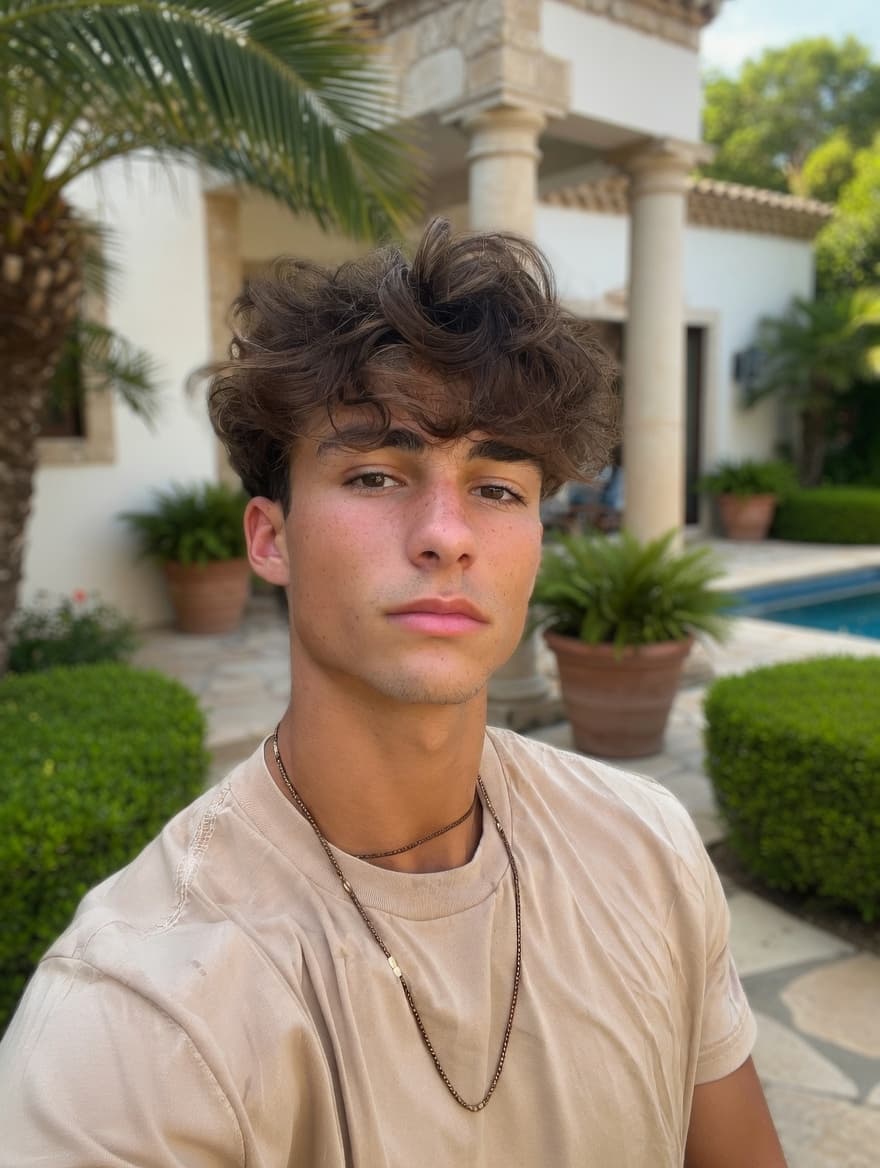 BeforeAuto Mode
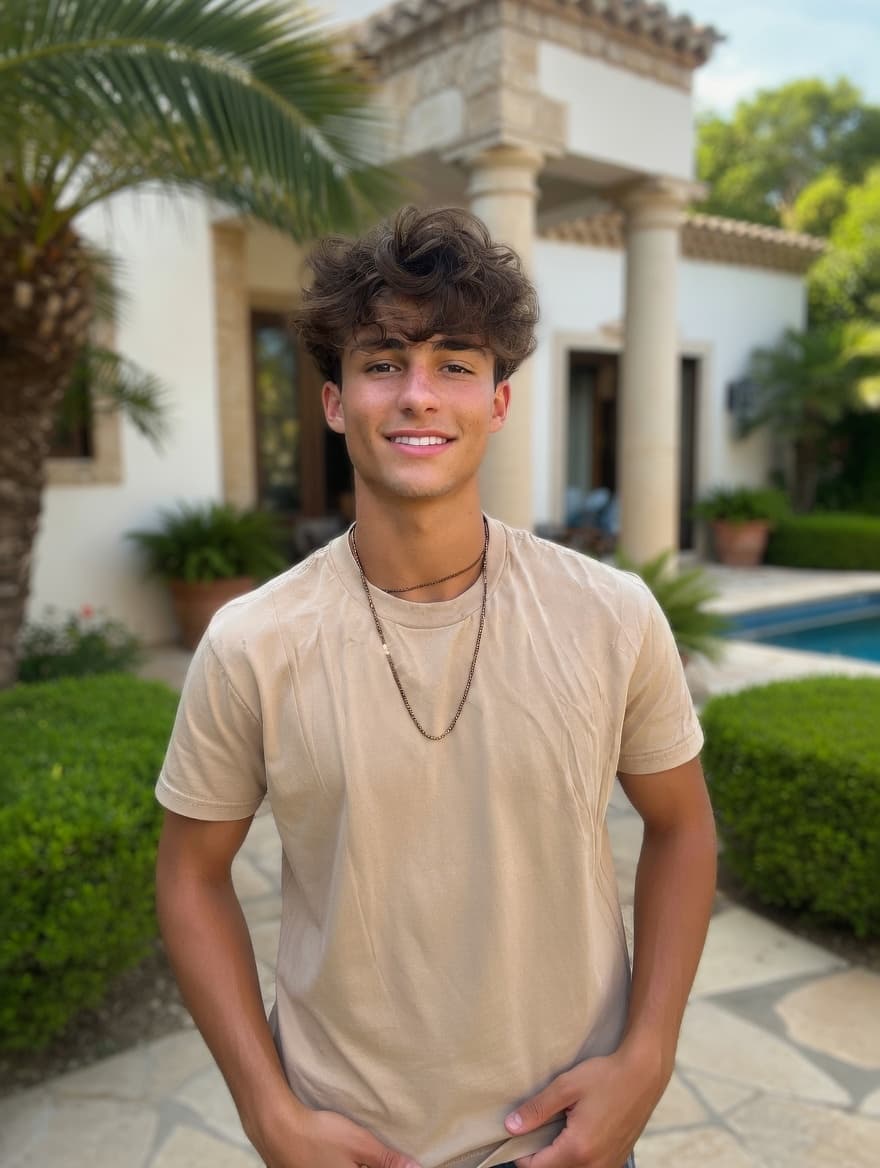 After
AfterTurn your selfie into a photo that looks like someone else took it. PhotoAI — just $1 per photo.
What PhotoAI Actually Changes
Use Case 1: Lighting Correction
The most common DIY problem — lighting that was acceptable in the moment but registers as flat or harsh in the final image.
Use Case 2: Background Cleanup
You look great — expression, framing, light — but the background is cluttered, distracting, or aesthetically undermining.
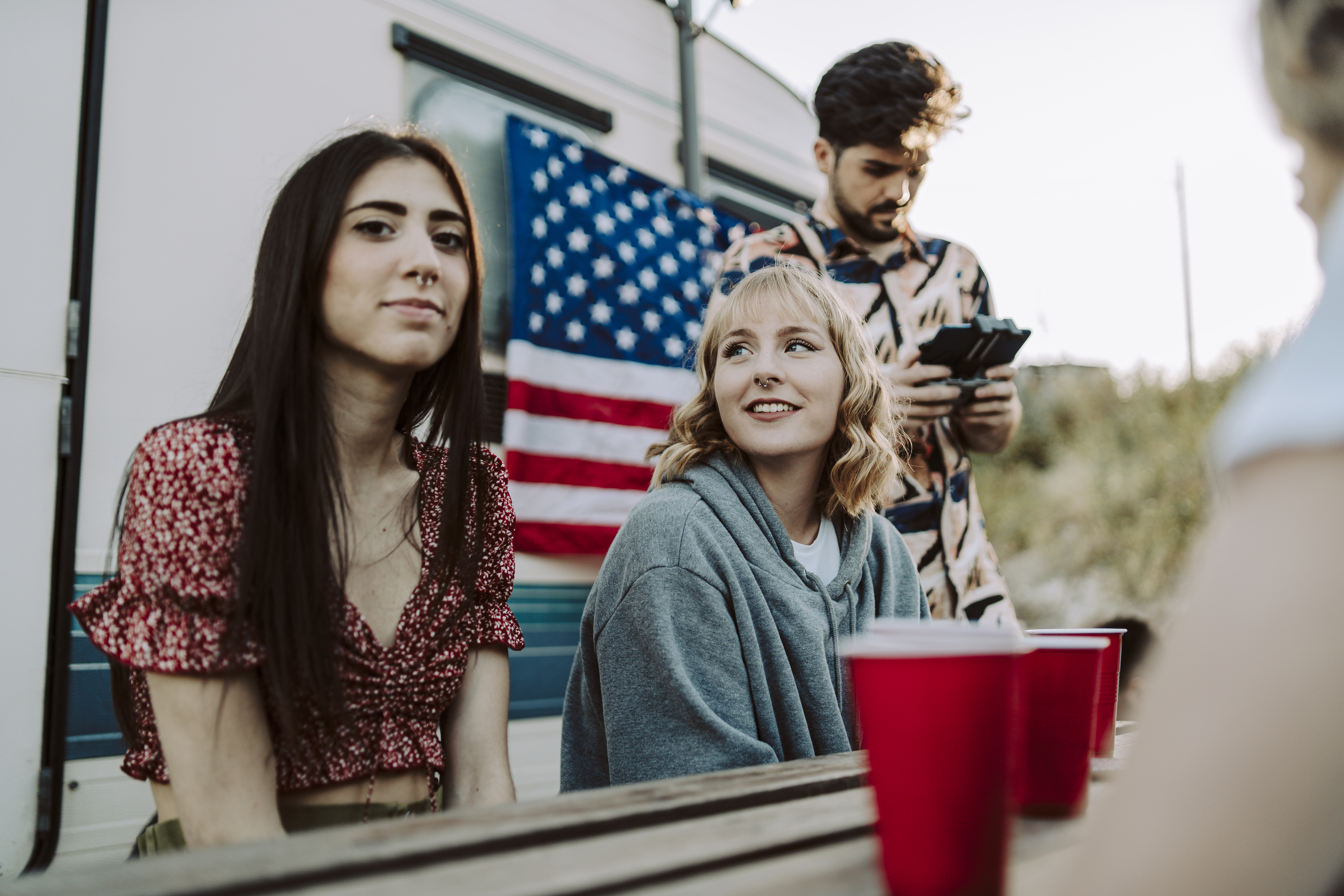
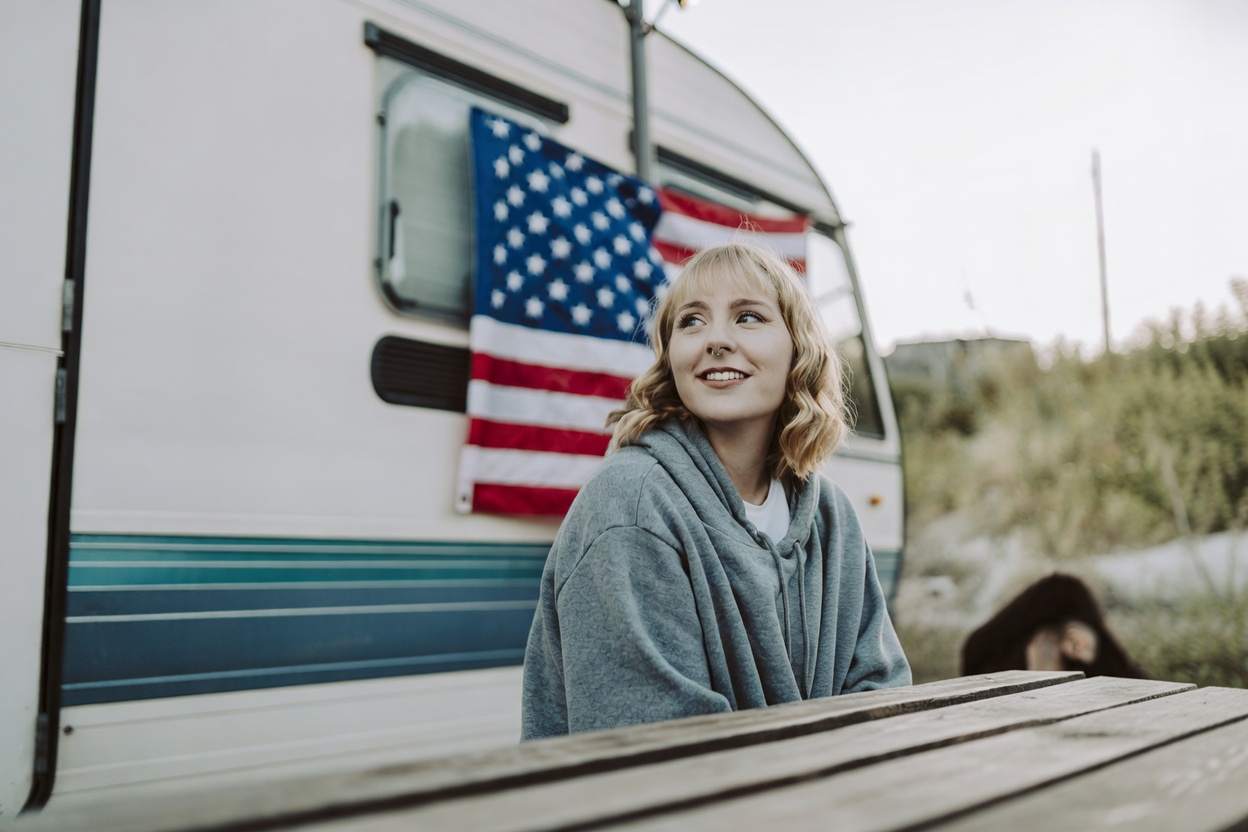
PhotoAI replaces the background with a clean or contextually appropriate alternative. The person in the foreground is unchanged.
Use Case 3: Person Removal
You look great in a group photo — expression, body language, the whole thing — but you're standing next to someone who shouldn't be in a dating photo.
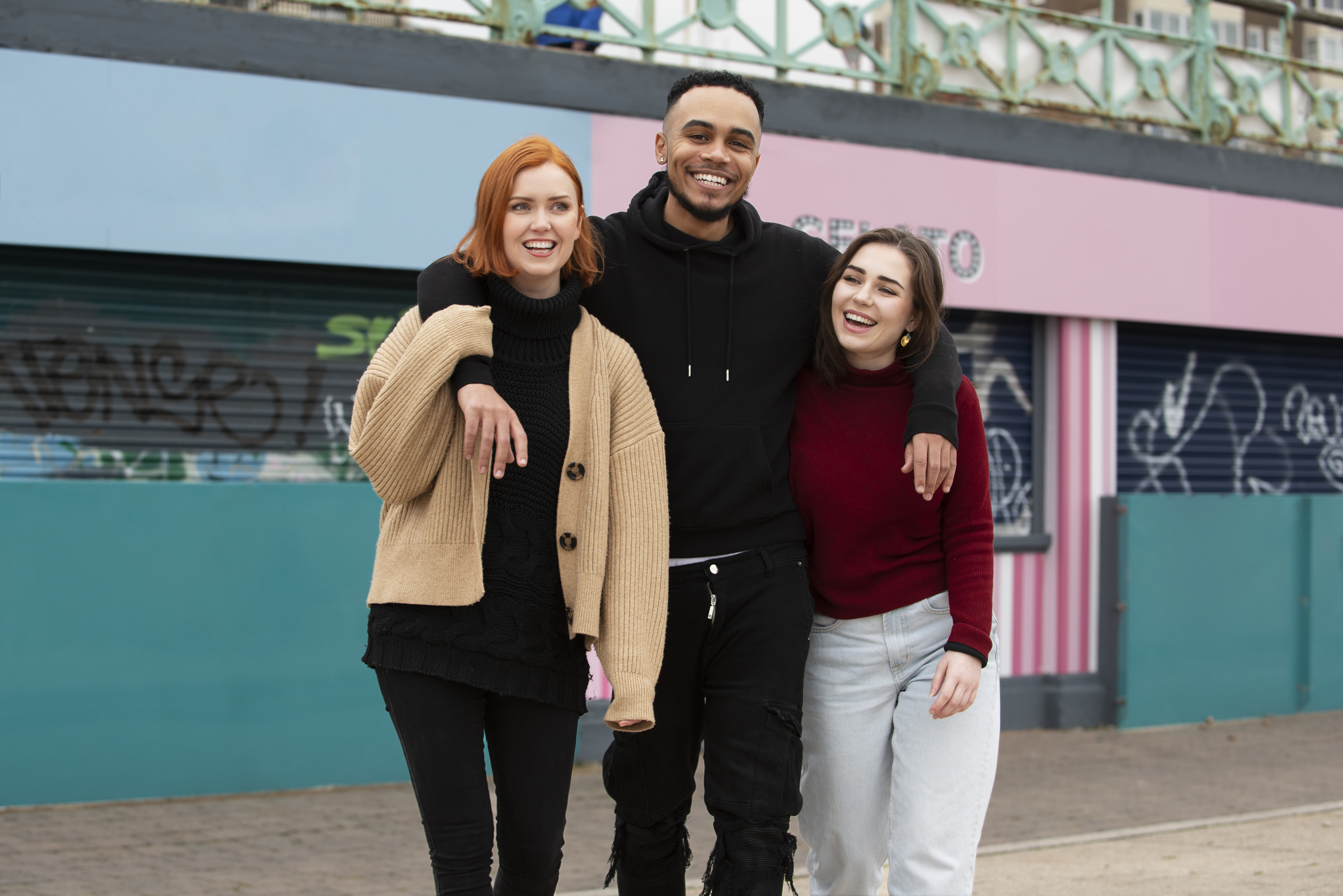
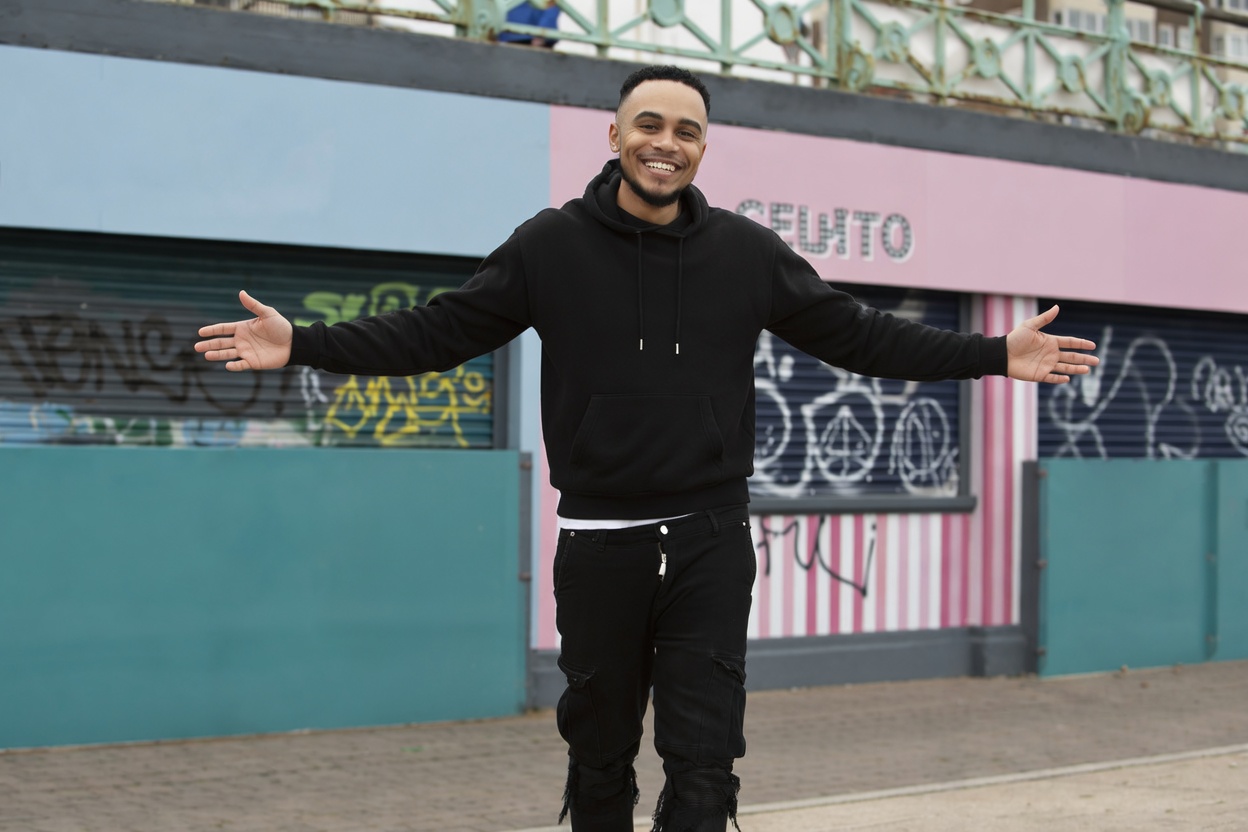
Removing the other person produces a solo photo from a group shot — previously required Photoshop skill, now handled automatically.
PhotoAI enhances your real photos — just $1 per photo.
AI Photo Editing: The Distinction That Matters
Not all AI dating photos tools work the same way. Here's the key difference.
The Full Comparison
| AI Generators | PhotoAI | Manual Editing | |
|---|---|---|---|
| Cost | $29–297 | $1–$8 | Free–$5 |
| What it does | Generates entirely new synthetic photos | Fixes lighting, background, distractions on your real photo | Manual adjustments via editing apps |
| Authenticity | ❌ Creates a synthetic version of you | ✅ Enhances your real photo | ⚠️ Depends on restraint |
| Dating app verification | ⚠️ Risk of rejection (Bumble, Hinge) | ✅ Safe — face unchanged | ⚠️ Depends on extent |
| First-date gap | High — you won't look like your photos | None — better-lit version of yourself | Varies |
| Skill required | None | None | Moderate to high |
AI Generators
AI dating photo generator services work the same way: upload 10–20 training photos → model generates entirely new synthetic photos of "you" in AI-generated scenes. Cost: $29–$297 per package.
The problems:
- What you upload to your profile isn't you — it's a synthesis of your features
- Hinge Community Guidelines prohibit photos that "deceive other members or misrepresent your appearance"
- Bumble's mandatory Photo Verification requires real-time selfies — AI-generated photos fail this
- On the first date, you won't look like your photos
PhotoAI
Upload an actual photo of yourself → AI fixes specific conditions without changing your face or body. What changes: ambient light quality, background content, distracting elements. What doesn't change: your face, your body, your physical characteristics.
Manual Editing
Manual adjustments — exposure, contrast, color grading, skin retouching. Cost: free to ~$5/month. The problem: manual tools require judgment about when to stop. Most people don't stop at the right place.
Summary
- Go outside — head to a park, café, or city street. Shoot with your rear camera on a timer. Take 20–30 frames.
- Run through PhotoAI Auto Mode — it corrects lighting, cleans backgrounds, and turns selfies into photos that look naturally taken. Your face stays your face.
Professional dating photos cost $200–600+. A selfie finished with PhotoAI costs $1–$8 — and produces near-professional results.
The distinction that matters on the AI side:
- AI editors (PhotoAI): Enhance your real photos. Authentically you, passes verification, no first-date gap.
- AI generators: Create synthetic photos of you. Carries policy risk on Bumble and Hinge, creates a first-date gap on every match.
Fix conditions, not features.
Fix conditions, not features. PhotoAI — just $1 per photo.
Related Reading
- Best Photos for Tinder: A Data-Backed Guide
- Dating Profile Photos: What Actually Works
- Hinge vs Bumble: Photo Strategy by Platform
- No Matches? Fix Your Photos First
Turn your existing photos into dating profile winners
Background swap, lighting correction, and person removal — all with a simple text prompt.
Not AI-generated faces. Your real photos, enhanced.
From $1 / No subscription / Pay per use
Related Articles
Best Tinder Profile Photos: 5 Types Most Get Wrong
Your Tinder profile photos decide everything — no full-body costs you −45% matches. 5 photo types ranked by data, with fixes you can apply today.
No Matches on Tinder or Hinge? Fix Your Photos First
Still no matches on Tinder or Hinge? 76% of swipes are decided by photos alone. Run the 5-point photo audit and fix what's costing you matches today.
Best Dating Profile Photos: 5 Types Ranked by Data
5 dating profile photo types ranked — for men and women: headshot +102%, full-body +203%, activity 3× more comments. Plus the mistakes silently killing your match rate.
Best Hinge & Bumble Photos: What Actually Gets Matches
Hinge photo tips from a 180K-photo study: eye contact +102%, activity +166%. Plus Bumble verification rules — what you can and can't edit.